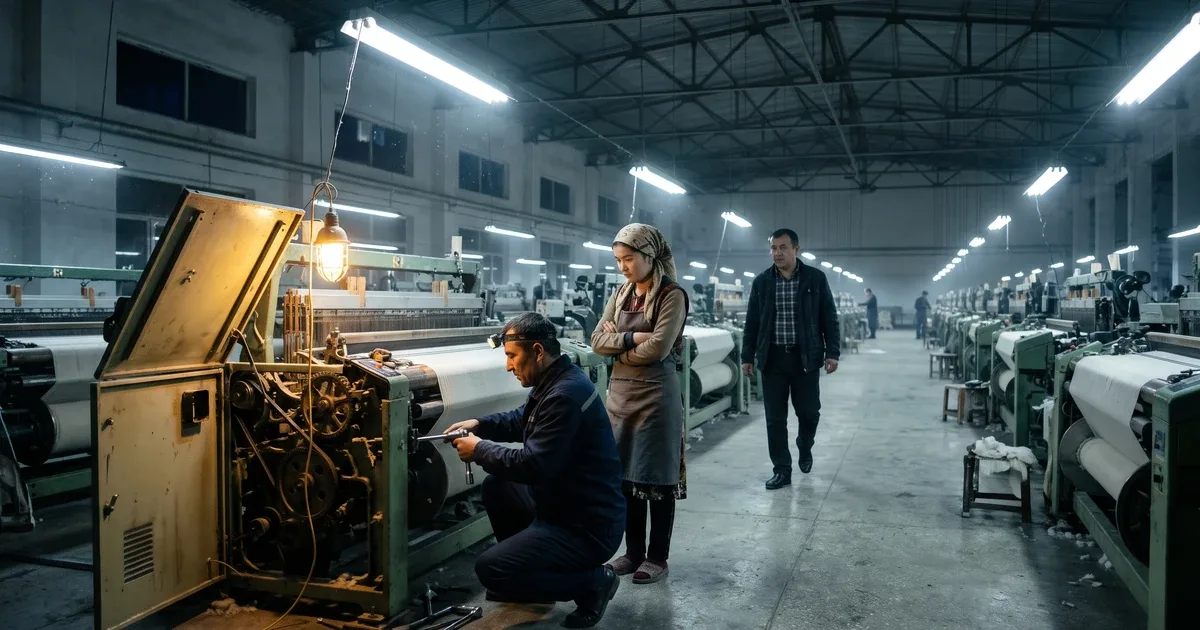
Nine in the morning. The main machine on the line stops without warning. The technician arrives, opens the cover and reports a worn bearing. There is no spare in stock. The supplier says it will take three days. For those three days orders slip and operators stand idle.
Has this happened at your plant? For a foreign company in Uzbekistan it often hurts more, because many spare parts for imported equipment come from abroad and customs adds to lead times. This article shows how to run equipment maintenance inside an ERP: equipment records, planned servicing, spare parts, breakdown history and downtime, all in plain terms. At the end you get a short plan for the first month.
How to approach the system as a whole is covered in the main guide to custom ERP development. Here we focus only on equipment.
Why "fix it when it breaks" costs more than it seems
In many workshops maintenance rests on one rule: when something breaks, call the technician. This is called reactive or breakdown maintenance. On the surface it looks thrifty: you do not spend money on something that still works.
But a breakdown costs more than the part. Add the wages of idle operators, a missed delivery, express shipping fees and scrap. When a machine stops mid-process, work in progress is often lost too.
Local teams with a Russian-language background know this field as TOiR, the Russian abbreviation for maintenance and repair. In English the software is usually called a CMMS (computerised maintenance management system) or, in larger setups, EAM (enterprise asset management). The idea is simple: plan repairs before the failure, not after. Small jobs such as changing oil, cleaning filters and checking belt tension prevent large breakdowns.
You can keep a plan in a paper logbook or a spreadsheet. The problem is that a logbook never reminds anyone. When a technician goes on leave or quits, the machine's history leaves with them.
The equipment record: a life story for every machine
Everything starts with the equipment card, often called the equipment record or asset passport. It is the ERP entry that keeps everything about one machine in one place.
Also read Profitable Company, Loss-Making Site: How to Run Project Accounting in an ERP in UzbekistanA typical record holds:
- name, model, manufacturer and serial number;
- location: workshop, line, workstation;
- commissioning date and warranty period;
- a usage meter, such as engine hours (how long the motor has run);
- the maintenance schedule and the list of spare parts it uses;
- the responsible technician and manuals (as attached files).
Put a QR code label on each machine and work gets much easier. An ordinary office printer will do. The technician scans it with a phone and the record opens. The last repair, the replaced part and the next service date are right there.
The record should link to the fixed asset card in accounting, but the two are not the same. How value and depreciation are handled is covered in the article on fixed asset accounting in an ERP. Here the focus is on how the machine runs and gets repaired.
Preventive maintenance: let the system remember the schedule
Preventive maintenance means work done on a fixed schedule without waiting for a failure. Local engineers may call it PPR, from the Russian term for planned preventive repair. In an ERP it is scheduled by two kinds of rules.
- Calendar-based. For example, cleaning every month, lubrication every quarter, a full inspection once a year.
- Usage-based. For example, an oil change every 500 engine hours or blade sharpening after a set number of cycles.
The second method is more precise: a machine that runs less needs less servicing. It requires meter readings to be entered regularly or pulled from the equipment automatically.
When a due date approaches, the system creates a work order. This is a concrete task for the technician: which machine, what work, which parts, how much time. The technician does the job, records the parts and hours used, and closes the order.
One key point: align preventive work with the production plan. Otherwise a technician will stop the machine in the busiest shift. How production planning works is covered in detail in the article on ERP for manufacturing.
Spare parts and breakdown history
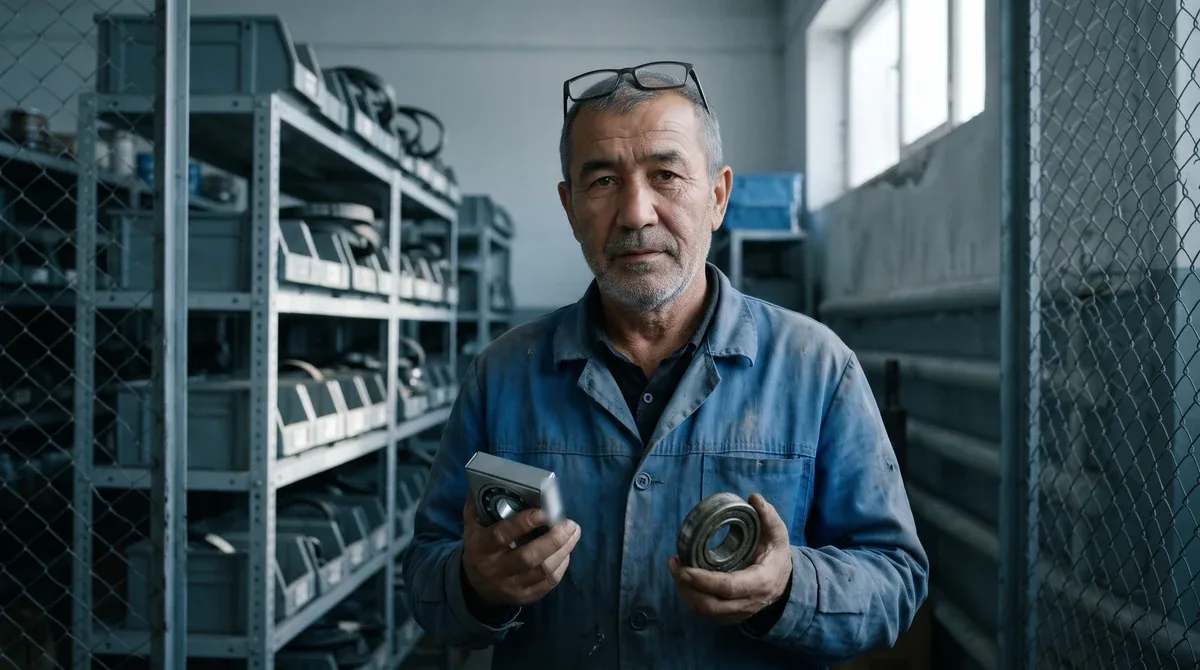
In the opening story, the most painful moment was the missing bearing. Spare parts management solves exactly this.
In an ERP each spare part is held in stock like any other item. The difference is that it is linked to equipment. The system knows which part fits which machine and how many to keep. Critical parts get a minimum stock level. When stock drops below it, a purchase request is raised.
How do you set the minimum? A simple rule: count how many parts you use during the supplier's lead time and add one as a buffer. Hypothetically: you use 2 bearings a month and delivery takes a month, so the minimum is 2 + 1 = 3. When stock falls to 3, you reorder. If a part is imported and delivery takes several weeks, the buffer should be larger. For foreign-made lines, plan this before the first breakdown, not after it.
Now the breakdown history. Every emergency repair is also logged as a work order. The cause is selected from a list, not typed as free text. For example: wear, poor lubrication, operator error, power outage.
After a few months these records start answering questions. Which machine breaks most often? Which cause repeats most? How many parts and labour hours did one machine consume this year? If repair costs approach the machine's value, it may be time to replace it.
A hypothetical example: at a sausage plant, the packaging machine stops several times a month. The history shows that almost every time the cause is the same sensor. The technician cleaned and restarted it each time, but nobody recorded it. The sensor is replaced and stoppages drop sharply. Spotting this took no complex analysis, only records.

Downtime and OEE: seeing losses in numbers
Do you know how much time your equipment spends idle? Most managers answer with a guess. Downtime is time when a machine was supposed to run but did not. It should be logged with a cause: breakdown, changeover, no raw material, no operator.
The widely used international measure here is OEE (Overall Equipment Effectiveness). It has three parts:
- Availability = actual run time ÷ planned production time;
- Performance = actual output ÷ output expected at the standard speed during that run time (it shows how much the machine slowed down);
- Quality = good units ÷ total units produced.
OEE = Availability × Performance × Quality.
A hypothetical example: an 8-hour shift. The machine was down for one hour, so it ran for 7. Availability is 7 ÷ 8 = 87.5%. In those 7 hours the standard output was 700 units; actual output was 630. Performance is 90%. Of the 630 units, 600 are good. Quality is about 95%. OEE = 0.875 × 0.9 × 0.95 ≈ 75%.
What does this tell you? A quarter of the shift went to some kind of loss. More importantly, you see which part causes the most. In this example the biggest loss is the breakdown, so it is a maintenance issue. If quality is the weak spot, look at defect analysis in the article on quality control in an ERP.
Two more useful measures:
- Mean time between failures (MTBF) = run time ÷ number of failures. Longer is better.
- Mean time to repair (MTTR) = total repair time ÷ number of repairs. Shorter is better.
How to get technicians to actually record data
Even the best module is useless if it stays empty. In practice the main obstacle is not software but habit. A technician has oily hands and little time and sees data entry as extra work. Before blaming anyone, make input easier.
A few rules that work:
- Input takes under 30 seconds. Scan the QR code, pick a cause from a list, add a photo if needed. The system records start and end times itself.
- Spare parts are issued only against a work order. The storekeeper does not release a part without an order number. Every part used is then charged to a specific machine.
- Operators flag stoppages too. A tablet at the machine with one button: "stopped" plus a cause. Time until the technician arrives is counted as well.
- Show technicians the results. At the monthly review, explain which decisions their records led to. When people see the benefit, they keep recording.
The work-order rule brings another gain: repair costs no longer disappear into general overhead. They are charged to a specific machine and line. You see more accurately which products are expensive to make — useful when you report to a head office abroad.
A 6-step plan for the first month
You do not need to load every machine at once. Here is a practical order:
- Pick critical equipment. The 5–10 machines whose stoppage halts the whole line.
- Create their records. Model, location, meter, owner, QR code label.
- Enter the preventive schedule. From the manufacturer's manual and the technician's experience.
- Start a downtime log. Every stoppage gets a time and a cause from the list.
- Link spare parts to equipment. Set minimum stock levels for critical parts.
- Review once a month. The worst machine, the most frequent cause, OEE.
One more thing. When equipment needs upgrading or replacing, you can buy it or lease it. How to weigh that decision is covered in the article on equipment leasing. The repair history becomes the most reliable evidence for that calculation.
Conclusion
Running maintenance in an ERP means managing breakdowns instead of waiting for them. The equipment record keeps each machine's history in one place. The preventive schedule flags work on time. Spare parts control keeps the right part in stock at the right moment. Breakdown history and OEE show in numbers where time and money are lost. Start small: a few critical machines, a downtime log and a monthly review — that is the foundation.
Frequently asked questions
Does a small plant really need a maintenance module?
Yes, if one machine stopping means the whole operation stops. To start, records for 5–10 critical machines, a preventive maintenance schedule and a downtime log are enough. Everything else can be added later.
Is maintenance management the same as fixed asset accounting?
No. Fixed asset accounting is finance: the machine's value, depreciation and balance sheet treatment. Maintenance deals with whether the machine works: repairs, spare parts, breakdowns and downtime. In a good system both are linked to the same equipment record.
What is a good OEE figure?
There is no single correct number; it depends on the industry and the equipment. First measure your current OEE for a month or two. Then compare it against itself and find which part — time, speed or quality — causes the biggest losses.
What if technicians resist entering data?
Cut the input to a minimum: scan the machine's QR code on a phone, pick a cause from a list, and let the system record the time. Add one rule: the storeroom does not issue spare parts without a work order. Then recording becomes the normal way of working rather than an extra duty.
Planning maintenance management for your Uzbekistan plant?
We can review how repairs, spare parts and downtime are recorded today and calmly suggest which equipment and which document are worth starting with.